
Google Analytics 4: what it tells you and how to actually use it
If you have a website, you should have Google Analytics on it. But most small business owners install it and never look at it. Here’s what to focus on — and what to ignore.
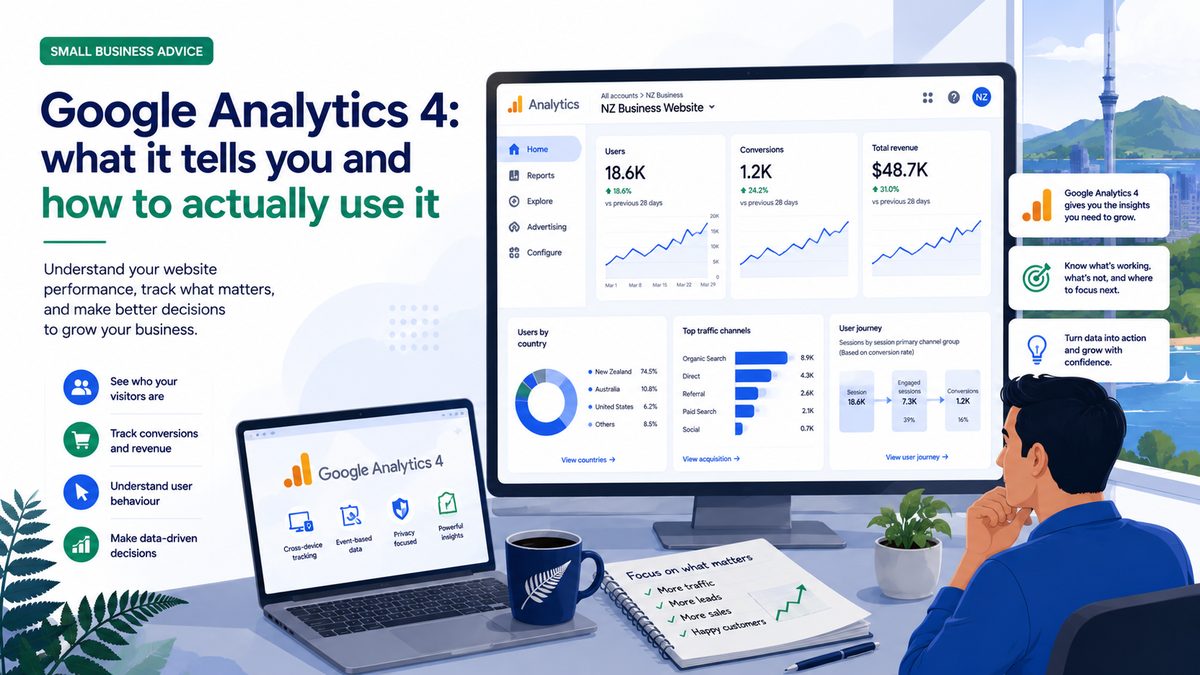
Google Analytics 4 (GA4) is free, powerful, and almost universally ignored by small business owners after the initial setup. That’s a mistake. Here’s what to actually look at and why it matters.
What GA4 tells you
At its most basic, GA4 tells you how many people visited your website, where they came from, what pages they looked at, and whether they did anything useful while they were there (like fill in a form or click your phone number).
That information has real practical value. If 80% of your traffic comes from organic search but almost nobody visits your services page, something’s off. If you run a Google Ads campaign and see a spike in traffic but zero enquiries, your landing page needs work. The data tells a story — you just need to know where to look.
Setting it up
Go to analytics.google.com, create an account and a property for your website, and follow the setup wizard. If you’re on WordPress, install the “Site Kit by Google” plugin — it handles the GA4 connection without needing to touch code. For Squarespace and Wix, there are built-in Google Analytics integrations in the settings.
Once it’s installed, GA4 starts collecting data from that point forward. There’s no historical data before installation, so set it up as soon as possible even if you’re not ready to dig into the reports yet.
The three reports that matter most
Traffic acquisition. Shows you where your visitors came from — organic search, direct (typed your URL), social, paid ads, referral (another website linked to you). This tells you what’s working and what isn’t. If you’ve just started an SEO push and see organic traffic growing month over month, it’s working.
Pages and screens. Which pages get the most views, and how long do people spend on each. A page with high traffic but very low average time spent usually means people aren’t finding what they expected. A page with long dwell time is content people find genuinely useful.
Conversions. This is the most important one — but it requires setup. You need to define what counts as a conversion for your business (form submission, phone click, purchase) and set up conversion events in GA4. Once that’s done, you can see exactly how many conversions each traffic source is generating, which justifies (or doesn’t justify) what you’re spending on ads and SEO.
A monthly routine that takes 15 minutes
Once a month: check your total sessions vs the same month last year (is traffic growing?). Check your top traffic sources (what’s sending the most people?). Check your top pages (are the right ones getting traffic?). Check your conversions (how many enquiries or sales did the website generate?).
Fifteen minutes. Written in a notes app or a spreadsheet. Over time, this builds a picture of what’s working for your business that no amount of guessing can match.
Want more tips like this? Join the Alliance — free, one email a fortnight.