
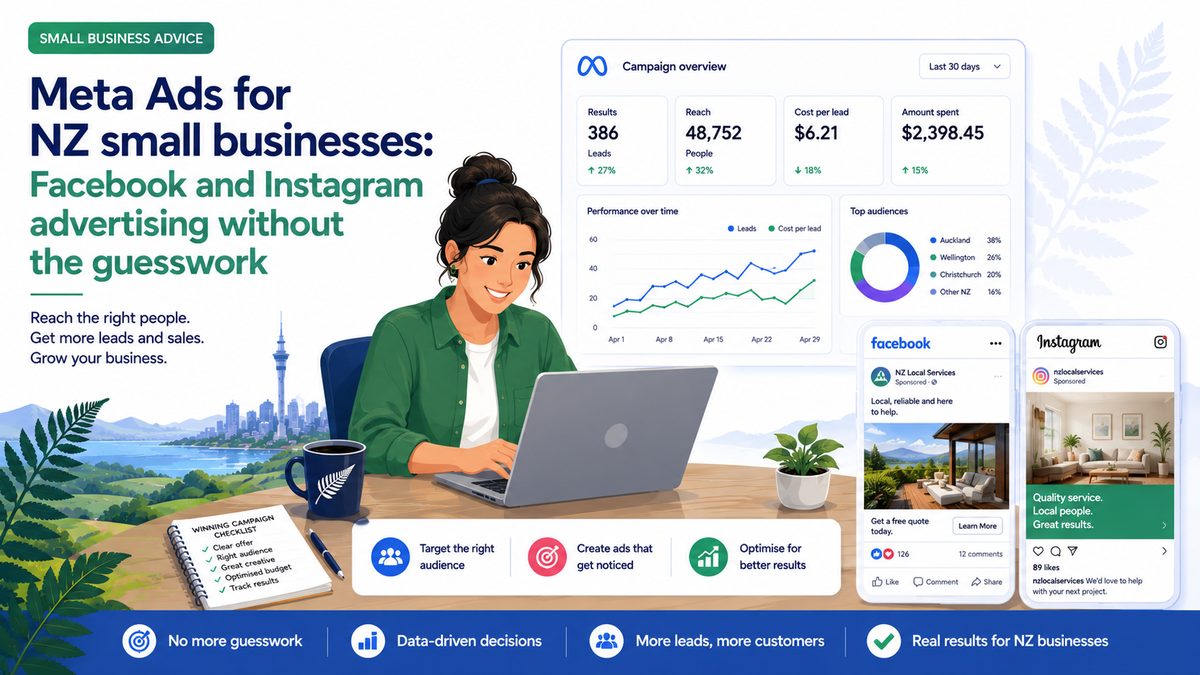
Meta Ads
Facebook and Instagram ads put your business in front of people based on who they are, not what they’re searching for. Done right, it’s one of the most powerful tools available to a NZ small business. Done wrong, it’s an expensive lesson.
Meta Ads vs Google Ads: which is right for you?
Google Ads catches people when they’re actively searching for something. Meta Ads interrupts people while they’re scrolling through their feed. Both can work — but they work differently.
Meta is generally better for: building brand awareness, products and services people don’t know to search for yet, visually compelling products, and businesses where the customer journey is longer. Google is generally better for: high-intent, ready-to-buy customers and services people search for when they have an immediate need.
Many NZ businesses run both. If budget is limited, start with whichever better fits your situation.
The NZ landscape
Facebook still dominates in NZ with around 77% of the social media advertising market share. It skews slightly older — Facebook is stronger for 35+ audiences, Instagram for 18–34. Both platforms are available within Meta Ads Manager and you can run on both simultaneously.
A realistic starting budget for Meta Ads in NZ is $800–$1,200/month. Below that, the algorithm doesn’t have enough data to optimise properly and results are likely to disappoint.
The creative is the ad
The most common reason Meta Ads underperform isn’t the targeting — it’s the creative. An ad that looks like an ad gets scrolled past. An ad that stops someone mid-scroll gets clicked.
What tends to work in NZ: video (even rough phone video) outperforms static images in most categories. Real people, real situations, real customers outperform studio-perfect creative. Local context — your actual team, your actual location, your actual work — builds trust in a way generic stock imagery can’t.
For format: 1080×1080 or 1080×1350 works for feed. 1080×1920 for Stories and Reels. Enable both placements and let Meta decide where each creative performs best — you can narrow it later once you have data.
Start broad on targeting
Counter-intuitive but true: Meta’s algorithm has become so good at finding the right audience that over-specifying your targeting often hurts performance. A lot of NZ businesses set up hyper-specific audiences and wonder why costs are high and reach is low.
A better approach: start with your country or region, set a sensible age range, and let Meta’s algorithm do the audience work. Give it a few weeks of data before you start narrowing.
Set up the Meta Pixel properly
The Meta Pixel is a small piece of code on your website that tells Meta when someone who saw your ad took an action — visited a page, filled in a form, made a purchase. Without it, Meta can’t optimise your campaigns for conversions.
Install the Pixel before you spend a dollar on ads. If you’re on WordPress, there are free plugins that make it straightforward. Once it’s installed and tracking events, your campaigns will perform meaningfully better.
Meta Ads rewards patience and consistency. Most businesses see the biggest improvements after 4–8 weeks of running, when the algorithm has accumulated enough data to know who your best customers are. Don’t judge it in the first fortnight.
Want more tips like this? Join the Alliance — free, one email a fortnight.